Welcome to Google Flow
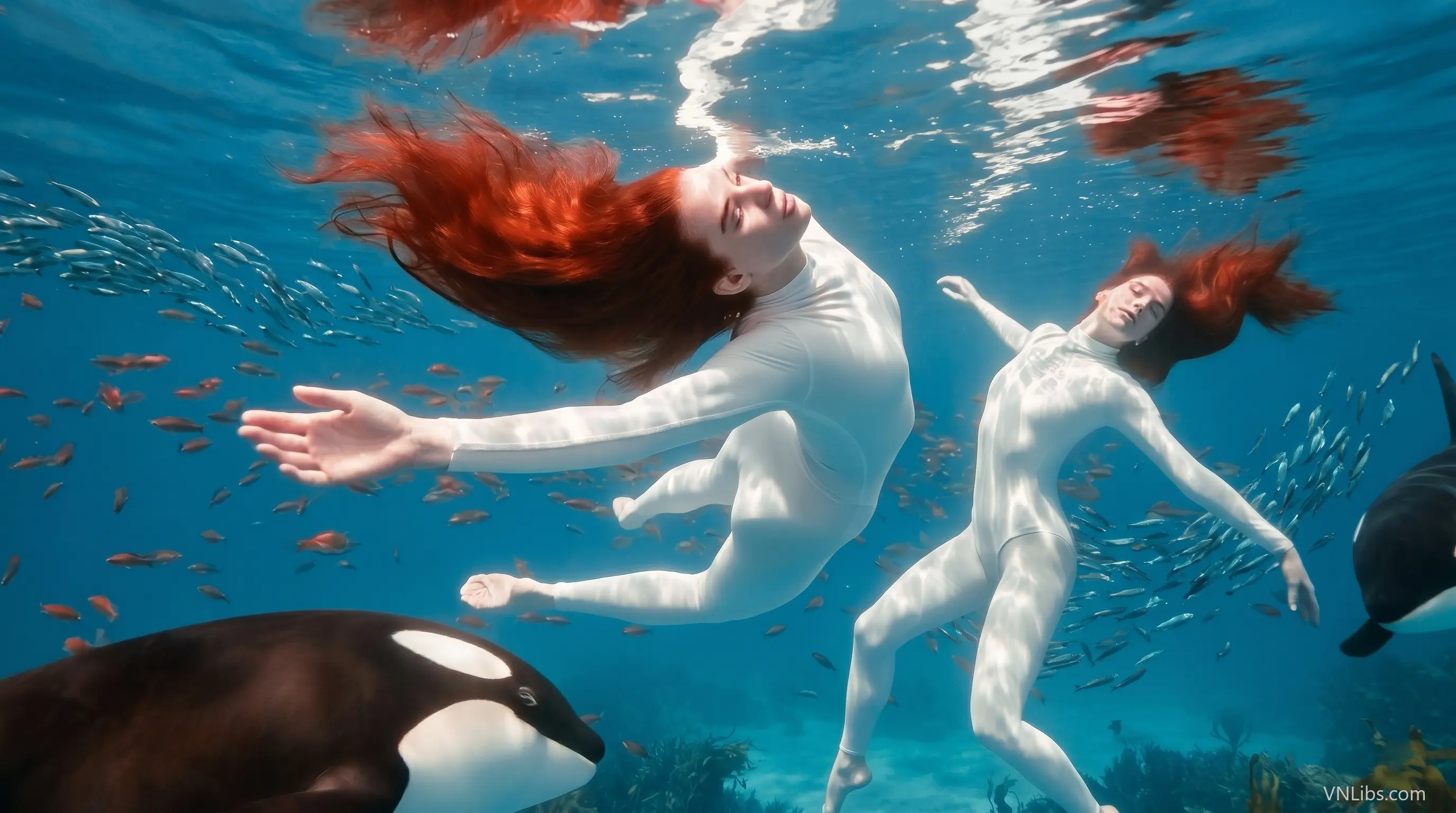
Google Flow is a next-generation creative suite designed to help storytellers, filmmakers, marketers, educators, and digital creators turn ideas into cinematic video experiences using AI-powered tools.
Powered by Gemini Omni Flash, Google Flow brings together video generation, precision editing, recurring character design, project-aware assistance, custom tools, and experimental avatar features in one creative workspace.
Instead of treating AI video as a one-step generation process, Flow focuses on giving creators more control over how ideas are developed, refined, and reused across projects.
In this guide, we will explore five key parts of Google Flow: precision video editing with Gemini Omni Flash, reusable characters, the Google Flow Agent, custom tools built in natural language, and the experimental “@me” avatar feature.
I. Precision Editing Comes to Video: Gemini Omni Flash.
As AI video creation becomes more advanced, creators need more than simple text-to-video generation. They need precise control over style, motion, characters, camera direction, and the final look of each scene.
Gemini Omni Flash brings that level of control into Google Flow by combining cinematic realism, multimodal references, and text-based video editing in a single workflow. This makes it easier for creators to refine footage, test variations, and shape video outputs without relying only on traditional editing tools.
- Cinematic Realism: Generate stunning, hyper-realistic videos up to 10 seconds long.
- Multi-modal references: Blend multiple images, characters and voices.
- Video-to-Video Editing: Transform, restyle, and perfect your footage using simple, text instructions. Try it on an uploaded video!
This is especially useful for creators who want to experiment quickly while still keeping visual direction, tone, and scene structure under control.
II. Characters: Design once, cast anywhere.
Maintaining the same character across multiple scenes is one of the biggest challenges in AI storytelling. Without consistency, a video project can quickly feel disconnected, especially when characters need to appear in different locations, actions, or emotional moments.
Google Flow's character system helps solve this by allowing creators to design a recurring cast once and reuse those characters across different prompts with consistent visual identity and voice. From main protagonists to supporting roles or background players, characters can be created, saved, and brought back whenever the story needs them.
- Design from scratch: Use text prompts or reference images to build your visual base.
- Give them a voice: Pair their look with a customizable voice that fits their personality.
- Cast them instantly: Just type @character_name in your prompts to summon them.
Pro Tip: Use Gemini Omni Flash to explore a character's full range, including different expressions, actions, camera angles, and scene styles.
III. Google Flow Agent: your creative partner at every step.
A strong creative workflow often involves more than generating a single image or video clip. Creators may need help brainstorming concepts, improving prompts, polishing dialogue, organizing assets, building variations, or keeping a consistent visual direction across multiple scenes.
The Google Flow Agent is designed to support these tasks directly from the prompt box. Because it understands the context of your project, it can act as a creative partner that helps you move from rough ideas to more structured and polished outputs while keeping you in control of the final result.
- Brainstorm: Explore new concepts, refine prompts, polish dialogue, or map out story arcs.
- Scale: Combine and edit multiple assets, or instantly generate variations.
- Organize: Group assets into collections and easily rename files to keep your workspace clean.
- Guide: Use Agent instructions to enforce specific styles, lensing, or creative preferences.
The Agent is especially helpful when a project becomes larger and more complex, because it can reduce repetitive work while helping creators stay focused on story, style, and production quality.
Note: Google Flow Agent is available on web only.
IV. Google Flow Tools: Custom tools, built by you in natural language.
Every creator has a different workflow. Some users need tools for consistent visual styles, while others may want to automate repeated production steps, remix existing assets, or create reusable creative methods for future projects.
Google Flow Tools gives users a more flexible way to build their own creative utilities using natural language. Instead of requiring coding knowledge, this feature allows creators to describe what they need and turn that workflow into a tool they can reuse, remix, or share.
You can access the Tools library from the left rail to explore pre-made tools or create your own from scratch. This makes Google Flow more adaptable for creators who want to build a repeatable production system instead of starting from zero every time.
Note: Tool creation is available to paid plans only and is currently available on web only.
V. Experimental: Bring yourself into creations using '@me'
The experimental “@me” feature adds a more personal layer to AI video creation by allowing users to register their own face and voice as an avatar. Once created, the avatar can be used across projects, making it possible for creators to bring themselves into videos, tutorials, stories, branded content, or experimental scenes.
Because this feature involves personal likeness and voice, creators should use it thoughtfully. Before using an avatar in public-facing projects, it is important to review account settings, regional availability, consent considerations, and how the avatar may appear in generated content.
To set up your avatar, go to your Account Settings and select Create Avatar. A secure capture process will guide you through recording a brief selfie video and a few spoken words to capture your face and voice.
After your avatar is registered, you can summon yourself in a project by typing @me in the prompt box. Your registered avatar will then be available across your projects where the feature is supported.
Note: Avatars are not available in EEA, UK, or CH.
Final Thoughts
Google Flow shows how AI video tools are moving beyond basic generation and toward more complete creative production systems. With Gemini Omni Flash, reusable characters, the Flow Agent, custom natural-language tools, and experimental avatar features, creators have more ways to develop ideas, maintain consistency, and build polished video projects.
For storytellers, filmmakers, educators, marketers, and digital creators, the biggest value of Google Flow is not only speed. It is the ability to control, refine, and reuse creative elements across a larger production workflow.

Creator Strategy Lead & Content Educator
Dr. Amelia Carter holds a PhD in Computer Science from Carnegie Mellon University. He specializes in curating secure, production‑ready code snippets and software architecture best practices.